

On this page
- Find out what the installation actually does
- Separate energy savings from emergency backup
- Understand safe separation without attempting wiring
- List the circuits and appliances you actually need
- Distinguish power from stored energy
- Confirm whether solar works during the outage
- Give prospective installers a clear brief
- Use handover to verify the promised behaviour
- Keep a separate plan for critical needs
- Check the equipment around the battery
- Common questions
- Sources
Find out what the installation actually does
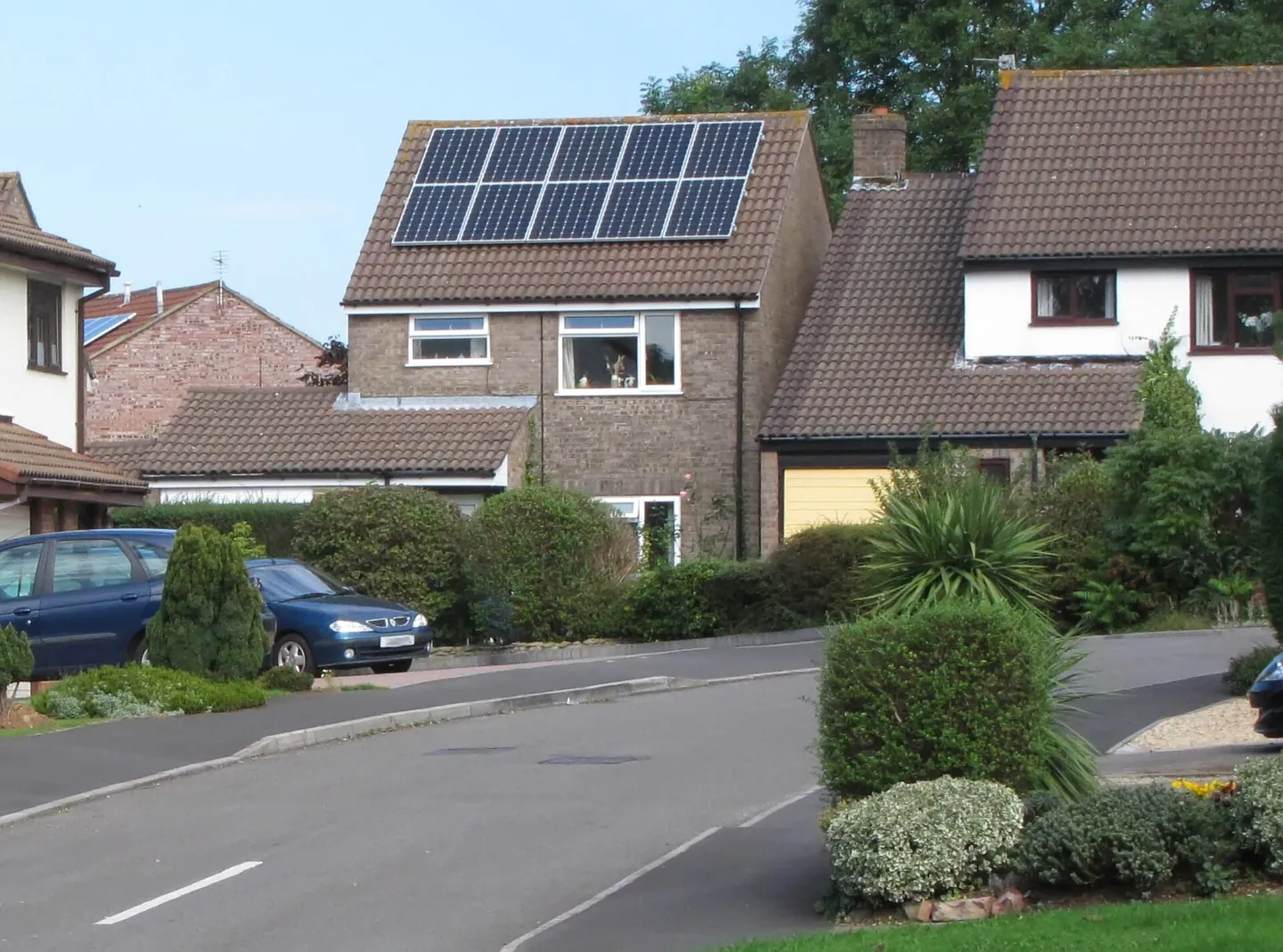
A home battery can store electricity for later use while the grid is working. That does not automatically mean it can supply your home during a power cut. The battery, inverter, switching arrangements, wiring and settings must support safe operation when the grid is unavailable.
The Centre for Alternative Technology explains that standard battery installations can shut down during a power cut and that running as an isolated system needs suitable additional arrangements. The reason includes preventing electricity being sent into a grid where engineers may be working.
Ask for a written answer about your exact installed system. A product brochure saying "backup capable" may describe an option that was not included in the installation. A monitoring app showing stored energy also does not prove that any particular circuit will remain live.


Full image attribution
Solar panels in yate england arp.jpg — Myself ( Adrian Pingstone ).; Public domain. Resized and converted to WebP; source: https://commons.wikimedia.org/wiki/File:Solar_panels_in_yate_england_arp.jpg
Separate energy savings from emergency backup
Ordinary battery operation may store surplus solar generation or charge at a cheaper tariff period. The system later uses that stored energy to reduce electricity bought at other times. These are useful functions, but they do not by themselves establish outage performance.
Energy Saving Trust describes these everyday storage uses and recommends discussing installation with an experienced professional. When requesting quotes, state separately that you want backup during a grid failure. Ask the installer to describe which extra components, design work and commissioning are needed.
Do not rely on the phrase "off grid" without explanation. A marketing description may refer to a mode, a temporary demonstration or a system intended for a different type of property. The question for your house is which supplies remain available, under what conditions and for how long.
Understand safe separation without attempting wiring
When a system supplies local loads while disconnected from the electricity network, it is often described as operating as an island. It must separate the relevant installation from the grid safely and provide the electrical protection required for that operating mode. This is design and installation work for a suitably qualified professional.
Never feed a house through a socket using an improvised cable. Do not alter a consumer unit, bypass protective devices or assume that switching off a main switch creates a compliant backup system. Battery and solar circuits may remain energised even when the grid is off.
Ask the installer how the design addresses grid connection requirements, protective arrangements, earthing and the transition back to normal supply. You do not need to design those details yourself. You do need confirmation that the installation has been assessed, commissioned and documented for the intended backup use.
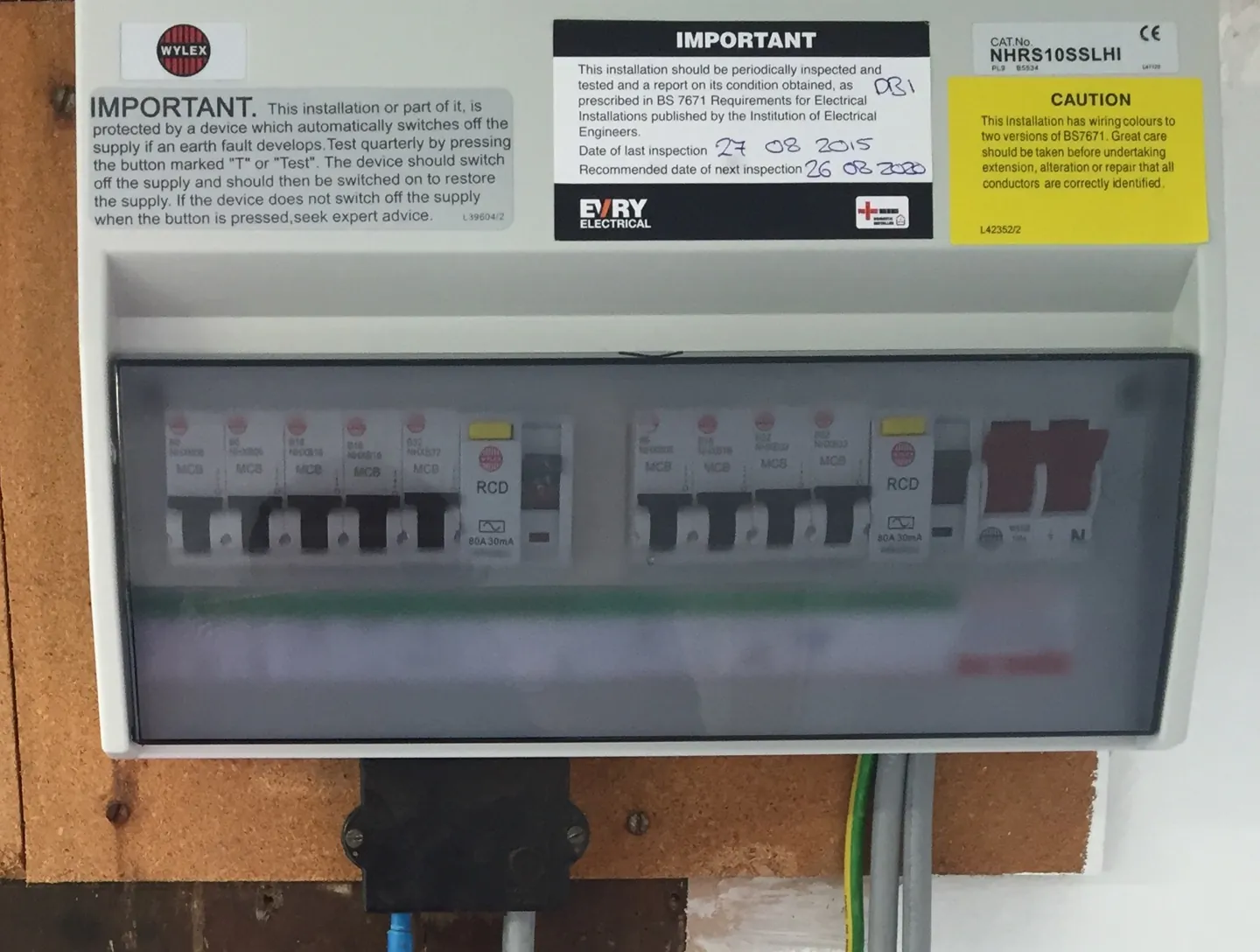
Ask specifically how electric-shock protection works during an outage. A residual current device, or RCD, detects leakage current, but its suitability and position must match the inverter and installation. The IET explains that island-mode protection needs design checks and that RCDs must be tested in the modes in which they operate. Have an installer experienced in battery backup verify and document this. The fact that a socket powers a lamp during a demonstration does not prove its fault protection works.
If you rent or share a building, obtain the required property permissions and confirm who owns and maintains the equipment. A battery serving a communal installation may have no connection to your flat's sockets. Responsibility for faults and access should be clear before you depend on the system.
List the circuits and appliances you actually need
Some designs supply selected essential circuits. Others may support more of the property, subject to limits. Ask for a labelled list of the protected circuits and exclusions. Walk around the house with the installer during handover so that the written description corresponds to recognisable rooms and sockets.
A household might prioritise certain lights, refrigeration, communication equipment and heating controls. The correct list depends on the people and appliances involved. Do not assume that a boiler, heat pump, cooker or electric shower is supported simply because some sockets are.
| Item | What to establish | What else it may depend on |
|---|---|---|
| Broadband router | Protected socket and acceptable transfer interruption | External network equipment and the provider |
| Fridge or freezer | Running load, starting demand and connected circuit | Door opening, room temperature and appliance condition |
| Heating system | Compatibility, controls and electrical demand | Fuel, pumps, water pressure and other system components |
| Lighting | Which rooms remain supplied | Safe movement through unlit areas |
| Medical equipment | Provider-approved backup and interruption limits | Clinical plan, alarms and relocation arrangements |
| Electric vehicle charging | Whether supported and how demand is limited | Vehicle, charger and control compatibility |
Our heater and boiler power guide explains why appliance compatibility matters. A permanent installation still needs a specific assessment. The fact that a portable device can run one appliance in one setting is not evidence for a different household system.
Distinguish power from stored energy
Power, usually expressed in kilowatts, describes how much the system can deliver at a moment. Energy, usually expressed in kilowatt-hours, describes how much can be supplied over time. A battery can have plenty of stored energy but be unable to start or run a combination of demanding appliances.
For a simple arithmetic example, a constant 500-watt load uses 0.5 kilowatt-hours in one hour. Four kilowatt-hours available to that load would suggest eight hours before accounting for losses and other limits. This is an illustrative calculation, not a runtime claim for any product or household.
Actual duration depends on usable energy at the start of the outage, reserve settings, conversion losses, temperature, battery condition and changing loads. Refrigerators cycle, heaters vary and appliances can have starting demands. Use appropriate measurements and installer calculations rather than adding catalogue labels without context.
Ask for scenarios at a low starting charge as well as a full battery. If the system normally empties much of its usable storage each evening to save money, an outage late at night may begin with little reserve. Decide with the installer how to balance everyday savings and emergency availability.

Full image attribution
RCD Protection Consumer Dual Split-Load.jpg — Evry Electrical; CC BY 4.0. Resized and converted to WebP; source: https://commons.wikimedia.org/wiki/File:RCD_Protection_Consumer_Dual_Split-Load.jpg
Confirm whether solar works during the outage
Grid-connected solar panels do not automatically keep producing useful household power when the grid fails. The inverter and backup system must support that operation. Ask whether your existing solar installation can supply the protected circuits and recharge the battery while isolated from the grid.
As a manufacturer example, Tesla's UK Powerwall guidance says solar recharging during a cut depends on system configuration. It also describes power limits and the need to reduce demanding loads. Those instructions apply to the relevant Tesla system, not every battery on the market.
Plan for poor generation during the conditions that cause an outage. A storm, short winter day or snow-covered roof can reduce the available input. Do not assume that the battery will refill each morning. Include a scenario with little or no solar generation when assessing how long essential tasks can continue.
Ask what happens after the battery reaches its low-energy limit. Can the system restart from solar alone, or is another condition required? Which loads must be off? Keep the exact manufacturer's approved instructions offline. Do not invent a restart sequence or open equipment to investigate.
Give prospective installers a clear brief
Write down the essential appliances, acceptable interruptions and the disruption you want to manage. A request to keep a router and a few lights working differs from a request to operate electric heating overnight. Clear priorities allow quotes to be compared on the same basis.
- Ask whether the quoted installation includes operating backup, not only a battery with optional capability.
- Request the protected-circuit list, continuous output and any starting-load limits.
- Ask for usable energy and expected duration under your stated load scenarios, with assumptions shown.
- Confirm grid separation, required approvals, electrical certification and commissioning arrangements.
- Confirm solar charging, low-energy shutdown, restart and return-to-grid behaviour.
- Ask what remains usable without internet access or the manufacturer's cloud service.
- Obtain maintenance, warranty, fault-response and emergency shutdown information.
Compare the installed system rather than headline battery capacity alone. Ask what is excluded, including alterations to circuits, additional switching equipment, monitoring or future servicing. This article gives no universal price because building conditions and required work vary.
Use handover to verify the promised behaviour
Ask the installer to demonstrate the approved backup procedure as part of commissioning, with essential-device users informed and their safety protected. Do not create your own outage by pulling equipment or manipulating unfamiliar switches. Testing must follow the installation's procedure and account for connected equipment.
During the demonstration, identify which lights and sockets remain available and how the system reports its state. Check what happens to clocks, routers or other devices sensitive to interruption. A fast transfer is not automatically an uninterruptible supply suitable for every device.
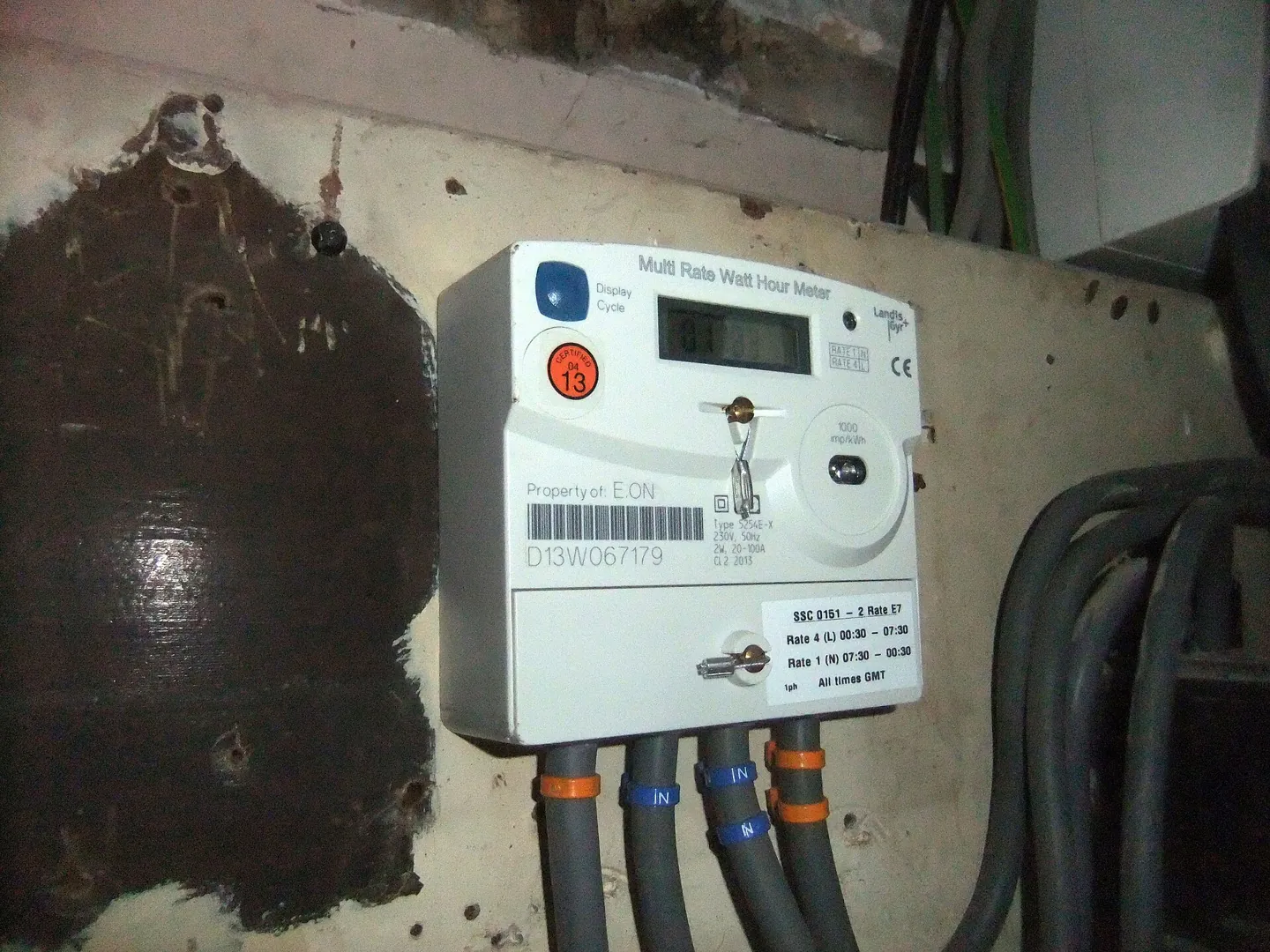
Retain the commissioning records, circuit labels, manuals and installer contact details. Our offline documents guide can help organise copies. Another adult should be able to find the instructions without needing the main account holder's phone.

Full image attribution
Electric meter -Broomfield Road, Coventry, England-16Jan2014.jpg — Gwydion M. Williams from Peterborough, Great Britain; CC BY 2.0. Resized and converted to WebP; source: https://commons.wikimedia.org/wiki/File:Electric_meter_-Broomfield_Road,_Coventry,_England-16Jan2014.jpg
Keep a separate plan for critical needs
For medical equipment, consult the equipment provider or clinical team about acceptable power and backup arrangements. Do not rely on a sales assurance that the battery can "run medical devices". Use medical-equipment planning to record the specific requirements and the action if backup fails.
A working home battery cannot restore a failed mobile network, water supply or damaged heating appliance. It also cannot make a flooded or fire-damaged building safe. Keep torches, essential contacts and a realistic alternative place to stay within your household continuity plan.
Consider less costly ways to meet modest needs before commissioning a large installation. Reducing the essential load, charging suitable small devices and having a supported relocation plan may meet the household's priorities. A battery is worthwhile only if its documented behaviour solves the problem you actually have.
Check the equipment around the battery
If you use amateur radio for communication practice, check its power supply and socket against the protected-circuit list. A radio station remains dependent on an available operator at the other end. If you have a pumped non-drinking rainwater system, record whether its pump stops and what that means for its approved uses.
Review the plan after adding major appliances or changing the installation. A new heat pump, charger or kitchen appliance can alter the load assumptions. Ask the installer before expanding the protected circuits or changing operational settings you do not understand.
Common questions
My battery is full. Why did the house go dark?
The installation may not include backup, the affected circuits may be excluded, or a fault or protection limit may have stopped supply. Use the approved user instructions and contact the installer; do not bypass protection.
Will solar recharge it during a cut?
Only if the installed configuration supports that function and conditions provide enough generation. Ask for written confirmation and the low-charge restart procedure.
Does whole-home backup mean unlimited appliances?
No. It still has power and energy limits. Simultaneous high-demand appliances may exceed output or drain storage quickly.
Can I retrofit backup to an existing battery?
Possibly, but compatibility and required electrical work vary. A qualified installer must assess the exact equipment and installation. A software setting alone must not be assumed sufficient.
Should I test it by switching the main supply off?
Use only the approved procedure agreed with your installer, with connected needs assessed. An improvised test can interrupt critical equipment and does not verify all aspects of safe operation.
Sources
- Centre for Alternative Technology: Battery storage. Checked 2 November 2026.
- Energy Saving Trust: Battery storage. Checked 2 November 2026.
- Tesla UK: Best practices during power cuts. Checked 2 November 2026.
- Institution of Engineering and Technology: Automatic disconnection of supply for island mode prosumer electrical installations. Checked 2 November 2026.