
On this page
- Find out how the line reaches your handset
- Make a simple equipment map
- Tell the provider if you depend on the landline
- Handle telecare separately
- Buy backup equipment only after compatibility is confirmed
- Treat runtime as a household limit
- Remember the network outside the home
- Check service after power returns
- Review the backup when equipment changes
- Digital phone continuity checklist
- Sources
The telephone still has the same number and may even be the same handset. Its connection can nevertheless have changed. With a digital landline, the call travels through an internet-based service, so loss of power to equipment at home can stop the line.
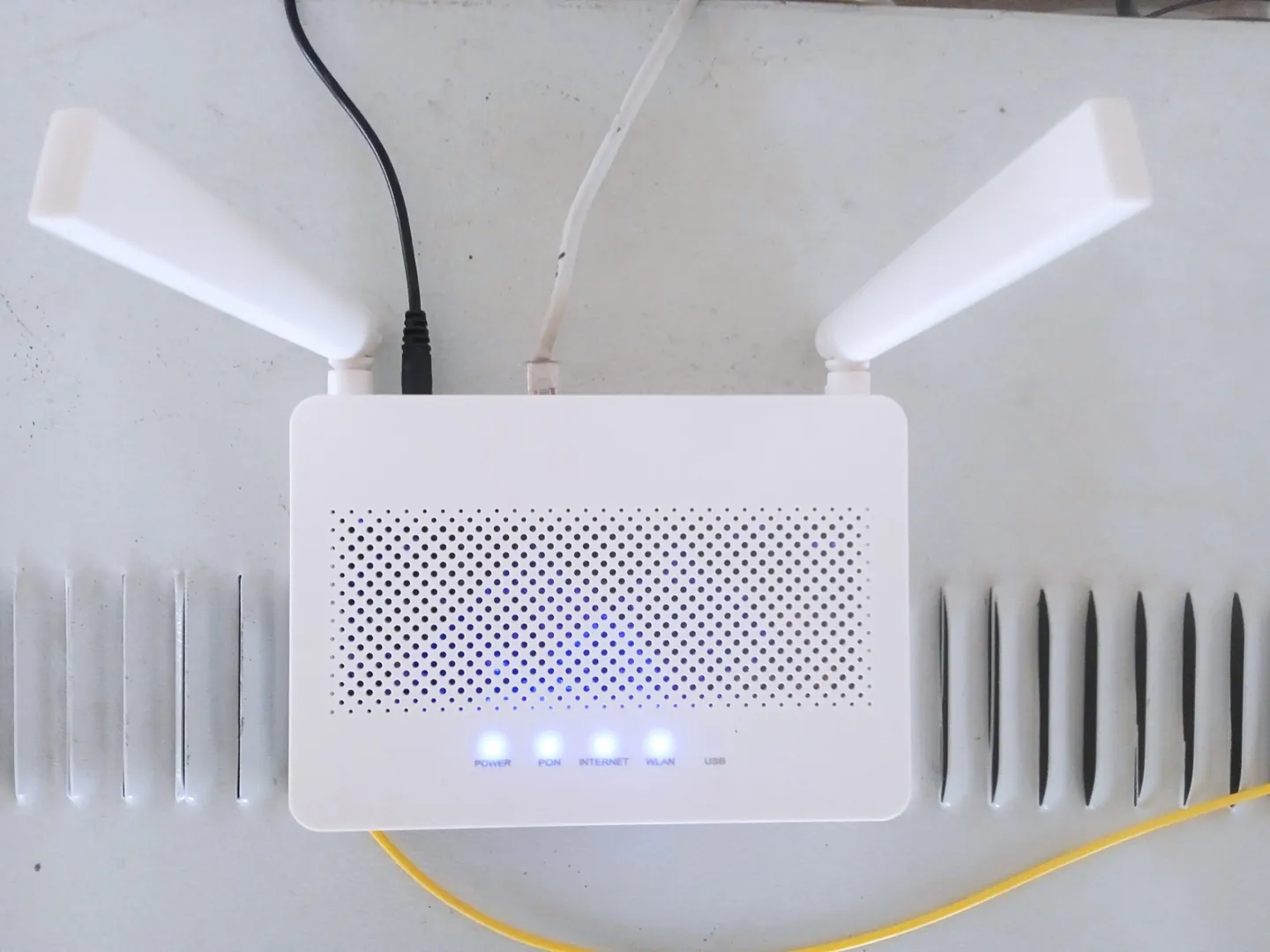
That matters most when the landline is how you would call for help. Before buying a battery, establish what service you have, what equipment it uses and what your provider offers. A power bank that charges a mobile phone is not automatically a backup for a router or fibre terminal.

Full image attribution
Digital clock on a cordless phone.jpg — Islander61; CC BY-SA 4.0. Resized and converted to WebP; source: https://commons.wikimedia.org/wiki/File:Digital_clock_on_a_cordless_phone.jpg
Find out how the line reaches your handset
Ask the telephone provider whether your service is analogue, digital or another arrangement. Product names vary. "Digital Voice" is associated with particular services, while other providers use different branding for internet-based calls. Do not infer the answer solely from the age of the handset.
The government's digital landline guidance explains that the migration and equipment depend on the provider. Some homes need a router, adaptor or other equipment even when the resident has no interest in using the internet for ordinary browsing.
Follow the cable visually without disconnecting anything. Does the phone plug into a router, a separate adaptor or a wall socket connected through other equipment? In a full-fibre installation there may also be an optical network terminal, often called an ONT, with its own power supply. Ask the provider to confirm the complete arrangement.
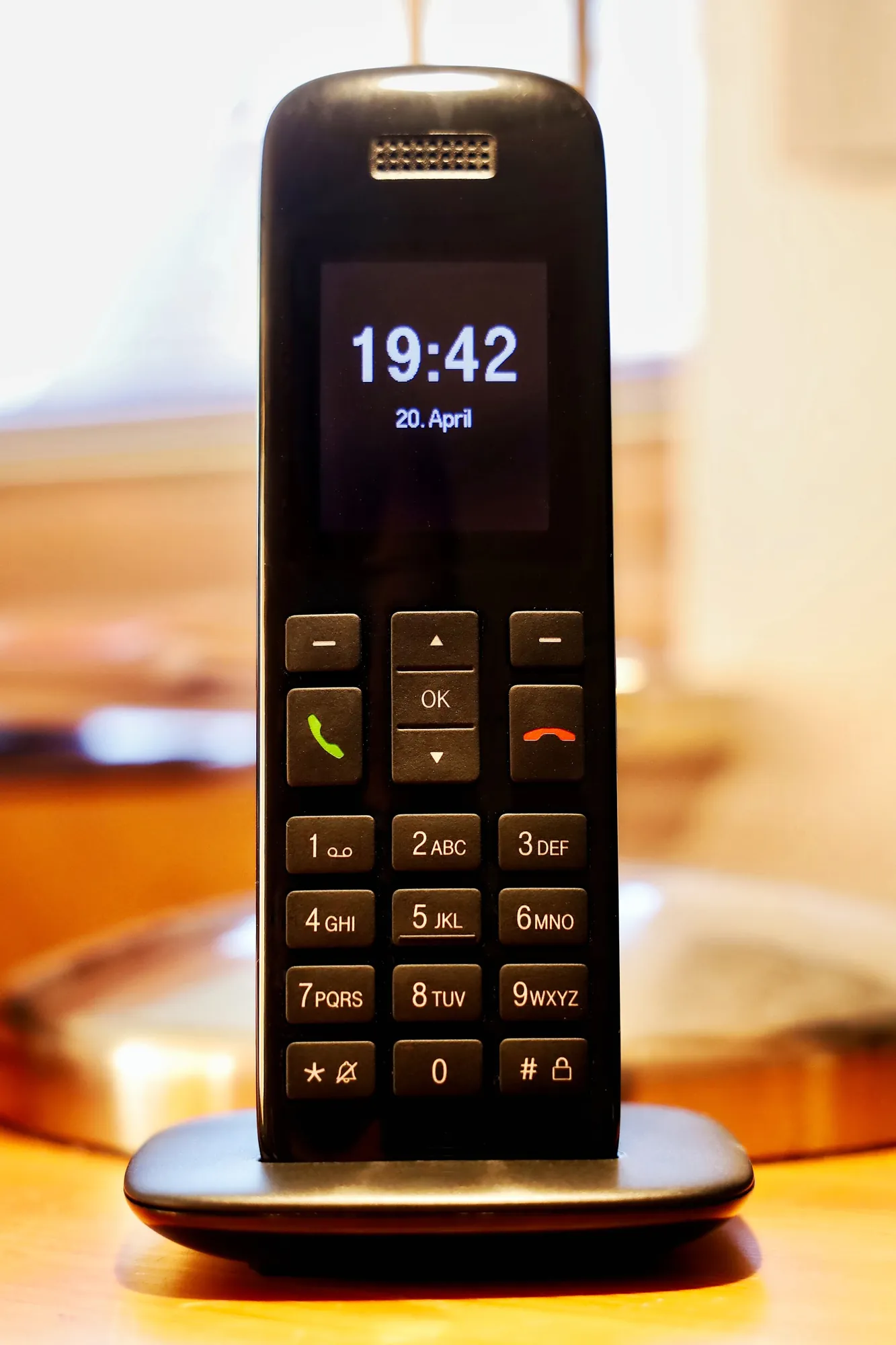
A cordless handset can add another dependency because its base needs power. A corded handset may remove that particular dependency but cannot make an unpowered digital service work. Record the actual equipment rather than assuming "corded" means independent of the mains.
Make a simple equipment map
Write the sequence from the incoming connection to the phone. Add every box that needs electricity and its exact model. Include the power supply supplied with it. A photograph of labels can help a provider identify the arrangement, but keep serial numbers and account information private.
| Part | What to establish | Common oversight |
|---|---|---|
| Fibre terminal | Whether it needs separate backup power | Backing up only the router |
| Router or hub | Provider-supported backup and required supply | Assuming any USB battery can power it |
| Phone adaptor | Whether it has a separate power input | Missing a small box behind furniture |
| Cordless base | Whether calls require the powered base | Seeing charged handset batteries and assuming service is available |
| Telecare unit | Compatibility and the monitoring provider's continuity plan | Equating a lit indicator with a successful alarm connection |
The map need not include equipment your home does not use. Label cables unobtrusively if that helps, but do not interfere with fibre connectors or move a wall-mounted terminal. Ask for installation assistance when the location or connections are difficult to access.
Keep a copy with the offline household documents. Include the provider's support route, the account holder's details needed for enquiries and the location of the relevant manual.
Tell the provider if you depend on the landline
Explain if there is no working mobile, no reliable mobile signal or another reason you depend on the landline for emergency calls. Ofcom says eligible landline-dependent customers must be offered a free backup solution lasting at least one hour. Ask what is suitable for your circumstances rather than assuming a particular battery will be supplied.
One hour is a minimum requirement described in the current guidance, not a promise that your household can safely manage any outage of that length. Your equipment, needs and local outage pattern may require further discussion. Obtain the expected duration and limitations for the actual solution offered.
Ask whether the backup supports emergency calls only or also ordinary calls and broadband use. Ask what happens when its battery ages, who maintains it and how replacement is arranged. Record how to recognise a low battery without relying on an app you may be unable to use.
Request instructions in an accessible format and installation help if needed. Explain practical barriers such as difficulty reaching sockets, reading small indicators or following an automated support line. The provider needs that information to offer usable assistance.
Handle telecare separately
Tell both the telephone provider and telecare provider about any pendant, care alarm or other device using the line. Ofcom advises checking compatibility before the change. A general phone call working does not establish that a monitoring device communicates correctly.
Ask who will test the complete service, including the route to the monitoring centre, and how the test is arranged. Use the provider's authorised procedure. Do not press an emergency button as an informal experiment or disconnect a care device to see what happens.
Get a written continuity arrangement for an outage or equipment fault. It should identify whom to call, which warning signs matter and what alternative support is available. A neighbour's agreed check-in can supplement this arrangement, but cannot replace a clinical or care-service requirement.
If the service has already changed and the device is not working, contact the relevant providers promptly. Do not wait for the next scheduled review. For wider care dependencies, use the medical-equipment power-cut guide.

Full image attribution
Fibre to the Cabinet - geograph.org.uk - 5288429.jpg — Bob Harvey; CC BY-SA 2.0. Resized and converted to WebP; source: https://commons.wikimedia.org/wiki/File:Fibre_to_the_Cabinet_-_geograph.org.uk_-_5288429.jpg
Buy backup equipment only after compatibility is confirmed
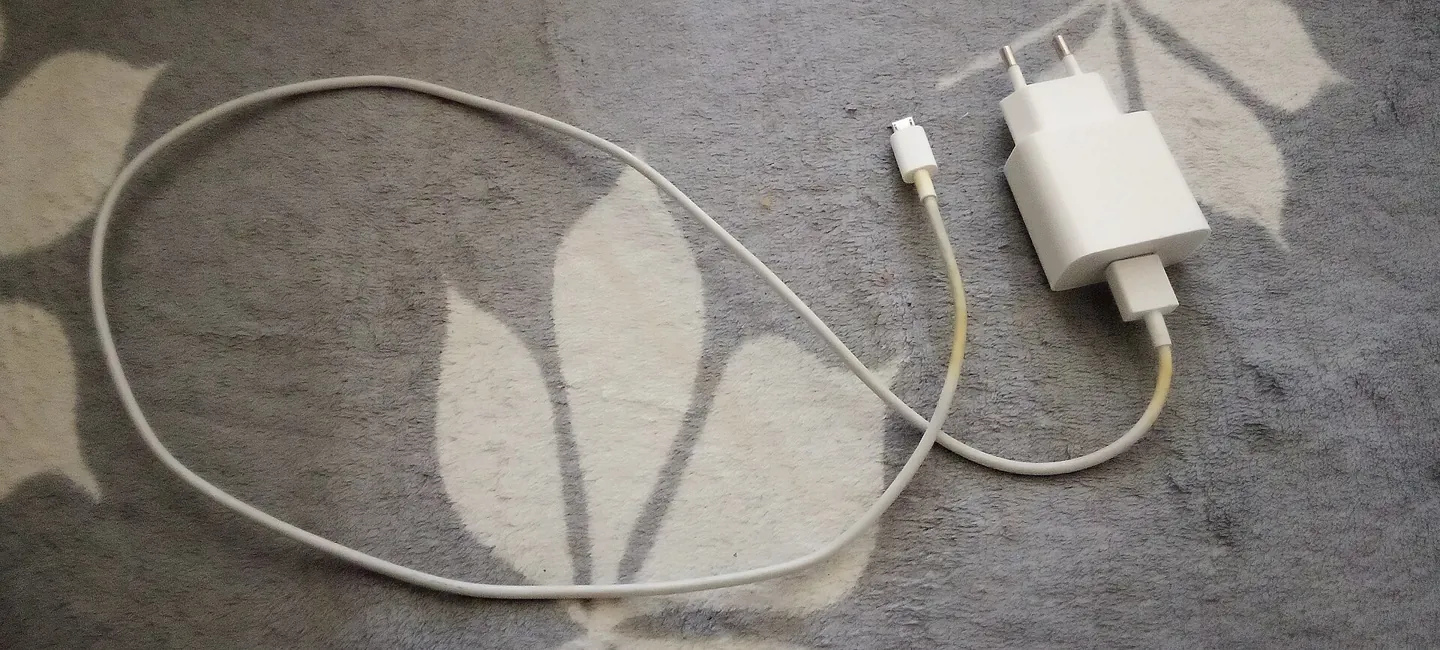
Some solutions supply mains power to the original adaptors; others provide a specific low-voltage output. The correct choice depends on the equipment. Connector size, voltage, polarity, current capability and manufacturer approval matter. A plug fitting into a socket proves only that the shapes match.
Do not splice leads, substitute an unidentified adaptor or improvise a supply from loose batteries. Ask the provider or equipment manufacturer to identify a compatible solution and installation method. Keep the original instructions with the backup.
A unit sold as an uninterruptible power supply may have transfer behaviour, minimum-load settings or battery management that matters to a small router load. Confirm suitability for the actual devices. Do not assume a large headline capacity guarantees uninterrupted service or the advertised runtime in your configuration.
Use the battery charging and storage guide for the household safety routine. Keep equipment ventilated as directed, clear of escape routes and away from places where it could be covered by coats or bedding.
Treat runtime as a household limit
Ask for the runtime under the intended combination of devices. A figure measured with only a router may not apply when a fibre terminal, phone base and adaptor are added. Battery age, temperature, settings and usage can change the result.
Write down when the backup starts and what action should happen before it is exhausted. For a household dependent on the phone, that may mean contacting a named helper or moving to an agreed accessible location while communication remains available. Do not wait for the final battery warning to decide.
Keep ordinary internet use proportionate to the purpose of the backup. Streaming entertainment on connected devices may be irrelevant if the main objective is maintaining a route to help. Ask the provider which activities affect the solution rather than assuming that every connected gadget draws from the same battery.
Never test runtime by interrupting essential telecare or clinical equipment. For non-critical equipment, use only a manufacturer- or provider-approved check at an agreed time. A discussion and indicator check may be all that is appropriate without professional support.
Remember the network outside the home
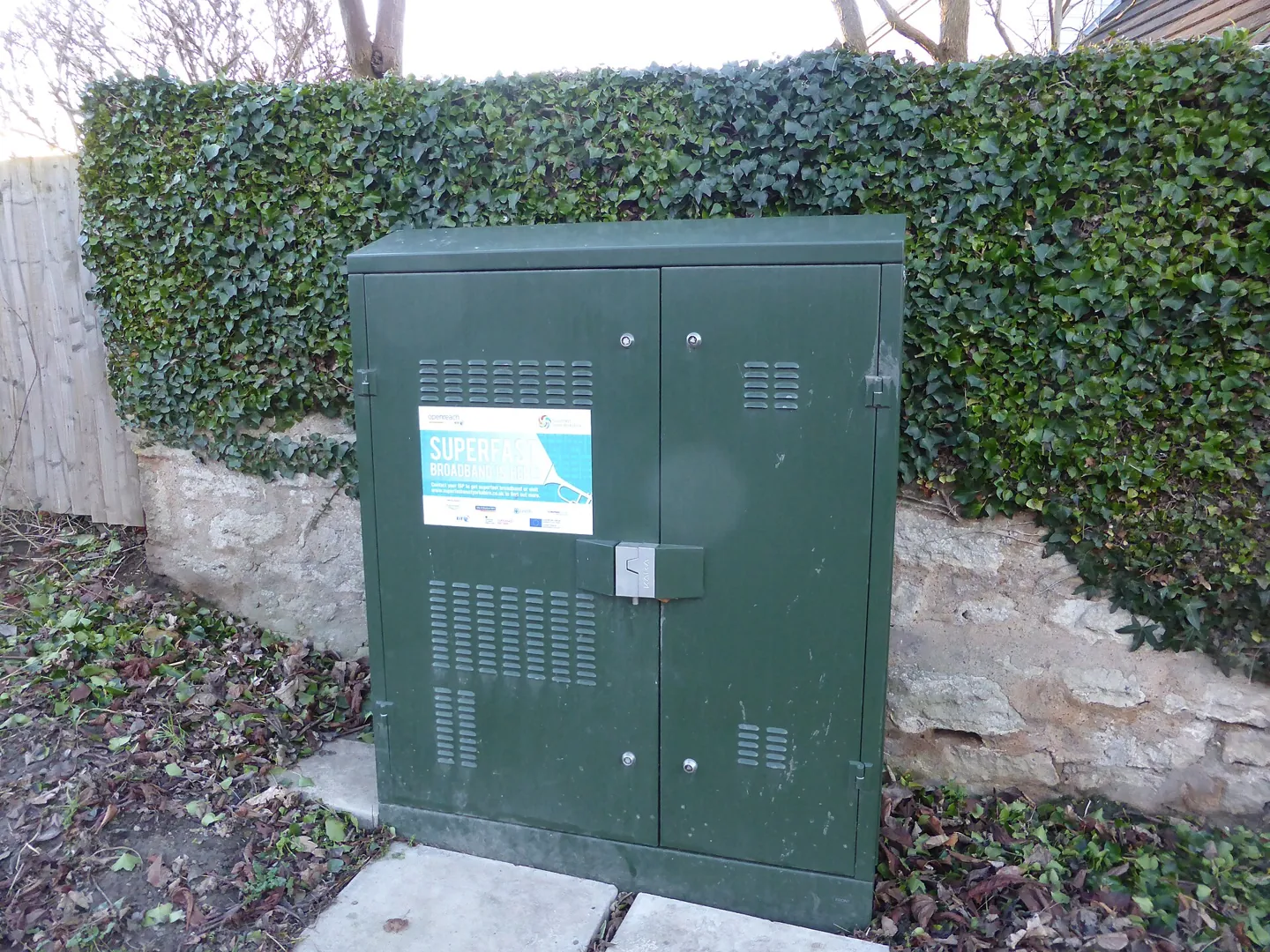
Even a perfectly powered router cannot repair a damaged line or guarantee that equipment elsewhere remains operational. Ofcom's severe-weather advice describes disruption to both fixed and mobile networks. Local battery backup addresses one part of the connection.
Keep a charged mobile where it is usable and accessible, together with an appropriate charging arrangement. Learn where ordinary reception is reliable without planning to climb, drive into hazardous weather or leave someone unsupported during an emergency.
The mobile-network outage guide helps plan beyond one network. A second service can still share local infrastructure or fail during the same incident, so retain printed contacts and agreed in-person support where practical.

Full image attribution
Phone charger 2026.jpg — Сергей Михель; CC BY-SA 3.0. Resized and converted to WebP; source: https://commons.wikimedia.org/wiki/File:Phone_charger_2026.jpg
Check service after power returns
Follow the provider's startup advice and allow equipment to complete its normal sequence. If the phone remains unavailable, record the indicator lights or error messages and contact support through the alternative route. Repeated resets can obscure what happened.
Verify ordinary calling with a consenting contact, never with 999. Telecare tests must follow the monitoring provider's procedure. Recharge or restore the backup as directed only after checking it remains sound.
Use the electrical restoration guide if any equipment has been wet, damaged or behaved unusually. A communications problem does not justify reconnecting an unsafe power supply.
Review the backup when equipment changes
A new broadband package can bring a different router or power adaptor. Before switching, ask whether the existing backup remains compatible and whether the new provider will maintain it. Keep the old support arrangement in place until the replacement has been agreed. Do not assume that retaining the same telephone number means the equipment and emergency-call arrangements are unchanged.
Digital phone continuity checklist
- Confirm the service type with the provider.
- List every powered component between the incoming connection and handset.
- Tell providers about landline dependence, access needs and telecare.
- Obtain a compatible backup and written explanation of its limits.
- Agree maintenance, replacement and a safe checking procedure.
- Keep another route to help and accessible offline contacts.
- Set an action point before the expected backup duration ends.
- Verify service through ordinary calls and authorised care-alarm tests after restoration.
Sources
Sources checked on 2 November 2026. Worked examples and household worksheets are illustrative planning aids.
- Ofcom: Your landline is going digital: what you need to know. Verified 2 November 2026.
- Department for Science, Innovation and Technology: UK transition from analogue to digital landlines. Verified 2 November 2026.
- Ofcom: Stay connected in severe weather. Verified 2 November 2026.