
On this page
If someone is in immediate danger, use an emergency contact method you can use now. This guide helps you prepare accessible options before an emergency. It does not provide a live connection to an emergency service.
The Greater Manchester Fire and Rescue Service accessible contact leaflet describes 999 BSL, Relay UK and emergencySMS. These UK services offer different ways to reach police, ambulance, fire and rescue, or coastguard. An app, a text conversation and an ordinary SMS are not interchangeable.
Choose a method around your communication
Start with what you can understand and express during stress. A Deaf BSL user may prefer a conversation in BSL to typed English. Someone who can hear but has difficulty speaking may prefer typing. Do not choose for another person because a method seems convenient to their helper.
| Route | How you communicate | Preparation |
|---|---|---|
| 999 BSL | BSL over video with an interpreter | App or website and a suitable internet connection. No registration. |
| Relay UK | Text relay through an assistant using the app or a textphone | Set up the app and link your number. Use the emergency route, 18000, or the app's 999 button. |
| emergencySMS | SMS messages to and from 999 | Register the mobile number in advance and complete the confirmation process. |
The service instructions linked below explain each route. Save the instructions for your chosen method in a format you can use. Connect this task with your wider accessible household emergency plan, including who can help if your device is unavailable.
Prepare 999 BSL for a signed conversation
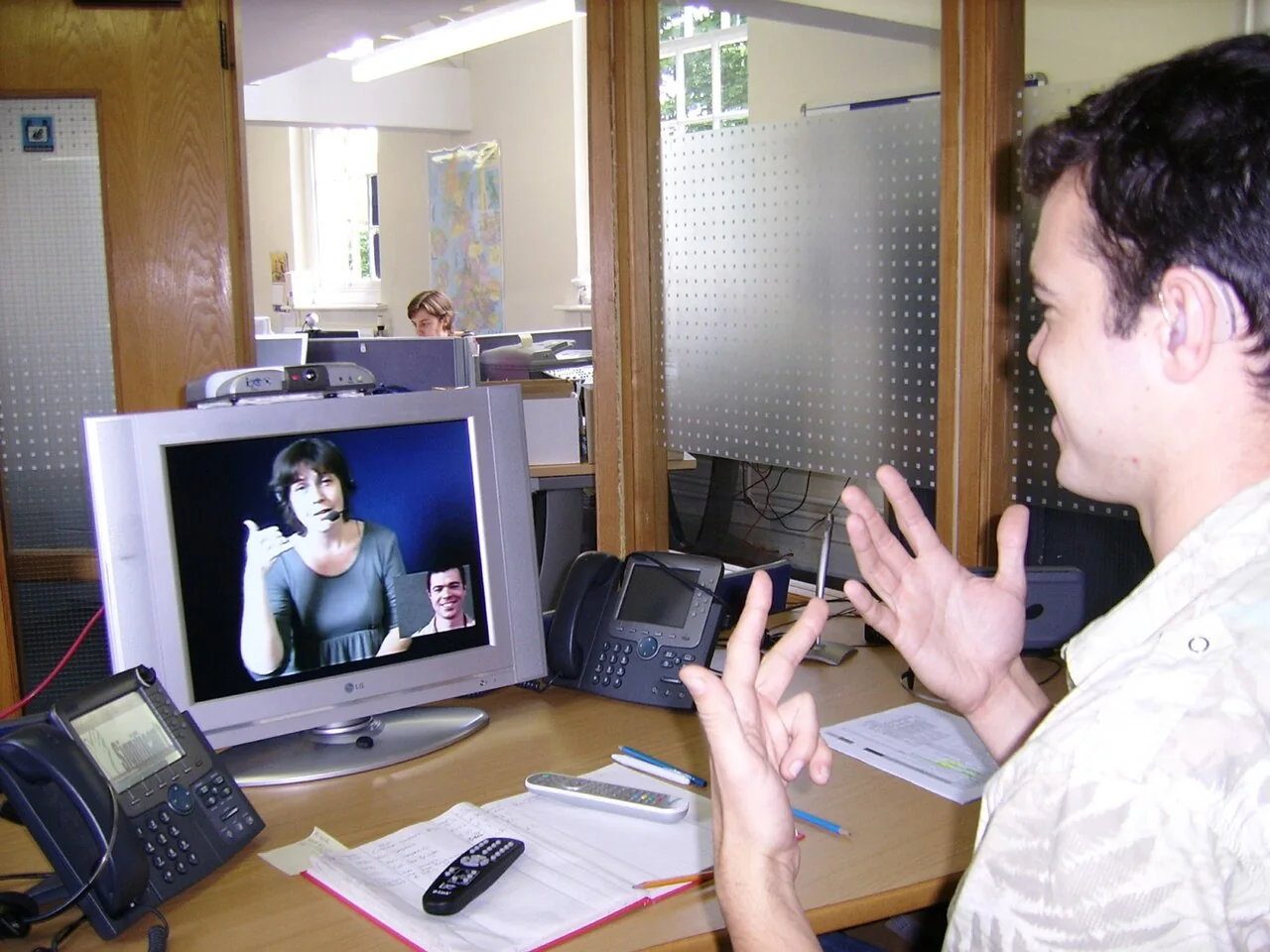
999 BSL's official FAQs explain that you can use its app or website without registering. A BSL interpreter appears on screen and relays the conversation with 999. You need a good internet connection, whether through Wi-Fi or mobile data.
Install the official app or save the website before you need it. Read the provider's instructions and familiarise yourself with the device's camera and microphone permissions without starting an emergency call. Think about where you can position the device so your signing is visible, while keeping yourself safe.
If the app fails, try the website. Both need internet. For a callback, keep the app active or the browser on the call page.
Keep your address available. Do not rely on automatic location. The interpreter can ask where you are if tracking fails.
Set up Relay UK before using its emergency route
Download through the links on Relay UK's official setup page. Follow the instructions to link the phone number you will use. The page explains supported devices and setup steps. Installing an icon alone does not complete the number-linking process.
The fire service's accessible contact instructions describe opening the app's 999 option, confirming the call and selecting Join. A relay assistant helps exchange information with the 999 call handler. From a textphone, dial 18000 and respond to the questions on screen.
Relay UK identifies 18000 as its emergency route, rather than the ordinary 18001 prefix. Save the distinction with your instructions. Do not assume an ordinary SMS to 18000 starts a relay call.
The National Police Autism Association describes Relay UK for people who find voice calls difficult, including autistic people. Ask the service about setup questions beforehand rather than treating emergency contact as a practice session.
Complete emergencySMS registration in advance
An ordinary text to 999 is not a dependable plan without registration. Follow Relay UK's registration instructions:
- Text register to 999 from the mobile number you want to use.
- Read the automatic reply.
- Reply yes as instructed.
- Wait for the message confirming successful registration.
If confirmation does not arrive, ask your mobile provider about support. Register again if your number changes. Check registration by texting register to 999. Do not send a pretend emergency.
In an emergency, state the service, what happened and the precise location. Answer replies. A delivery report does not confirm receipt by emergency services. If no reply arrives after a couple of minutes, try 18000 if able, or ask someone to call 999. Relay UK recommends emergencySMS only when no other option is available because it takes longer than voice or relay contact.
Make your location and needs easy to explain
Prepare a short home-address note with the building name, flat number, street, town and postcode. Add a brief access detail if it helps someone find the correct entrance. Keep private security information separate from a card you might show a passer-by.
For example, your practice note might say, "My address is Flat 6, [building], [street], [town], [postcode]. Please communicate with me in writing." This is an illustrative prompt, not a message to send to 999. During a real emergency, explain the actual incident and answer the call handler's questions.
Use an accessible offline copy so the address does not depend on opening email. If a trusted person helps prepare the note, ask them to check that you can find and read it yourself.
Plan a fallback for device or connection failure
A second app on the same flat phone does not solve a dead battery. A website using the same failed internet connection is also a limited fallback. Think through the failure you need the alternative to cover.
Write down which nearby person or staffed place you could safely approach to ask for a 999 call if necessary. A communication card can explain that request. Agree any support arrangement in advance. Do not assume a stranger can interpret BSL or use your equipment.
Use a household discussion exercise to locate the app, instructions and address note without placing a call. Review after a new number, replacement device or change in communication needs. Keep the person's preferred method central to the plan.
Explore the household hub for connected communication and support planning.
Sources
Sources checked on 5 November 2026. Setup guidance is not a test of emergency-service response or network availability.
- 999 BSL, Frequently asked questions. UK video relay service.
- BT Relay UK, Download app and link your number. UK service setup.
- BT Relay UK, Use Relay UK with textphone. Emergency and ordinary dialling routes.
- BT Relay UK, Contact 999 using Relay UK. UK emergency relay and emergencySMS instructions.
- Greater Manchester Fire and Rescue Service, Alternative ways to contact the emergency services. Local public-service explanation of UK contact services.
- National Police Autism Association, Using an app to contact the 999 service in an emergency.